 Canvas
CLI Commands
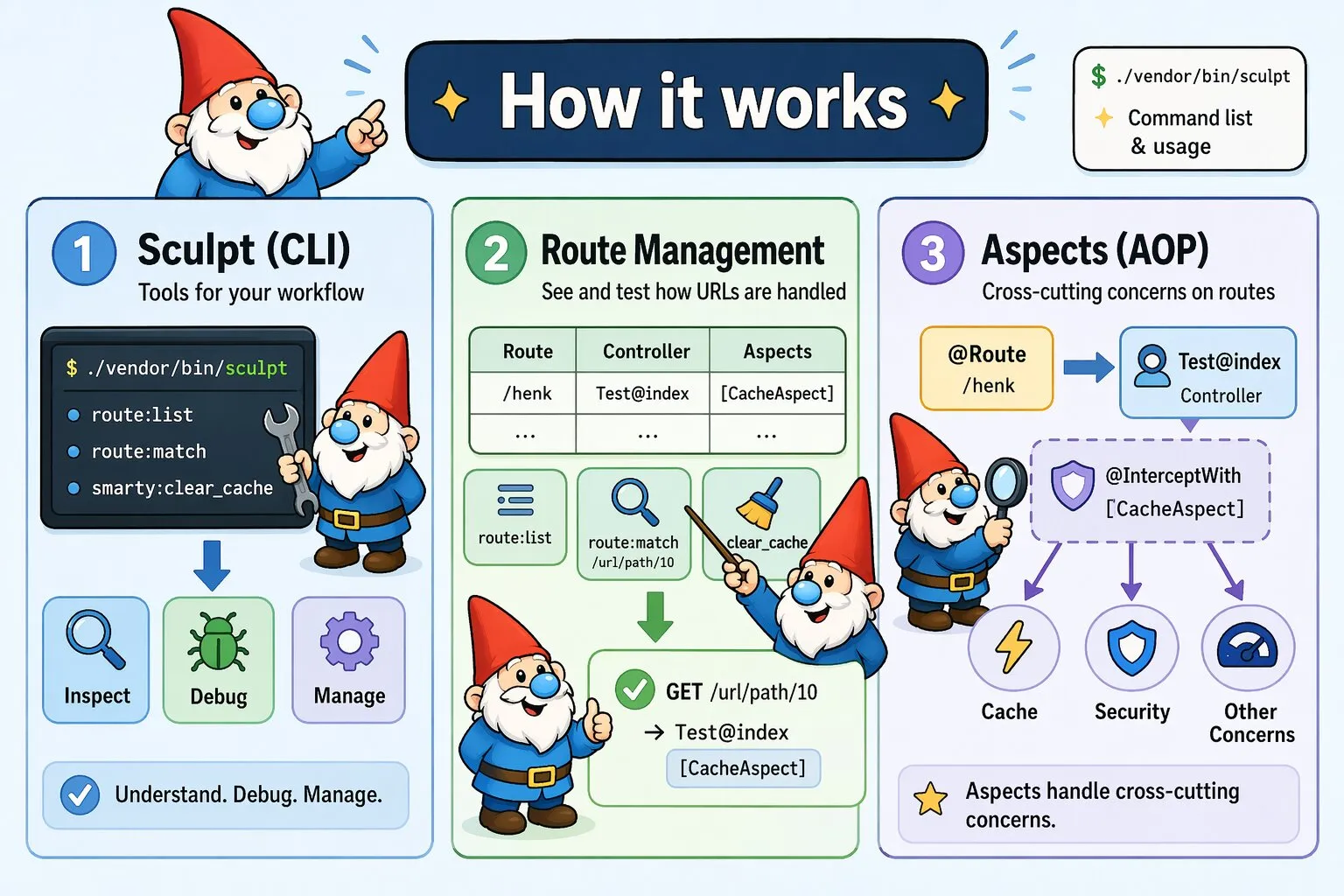
Canvas includes Sculpt, a command-line interface for development workflow. Sculpt provides essential tools to understand, debug, and manage your Canvas applications.
Getting Started
Sculpt is available immediately after installing Canvas. Run it to display command list and usage information:
./vendor/bin/sculptRoute Management
Get a complete overview of your application's routing structure:
./vendor/bin/sculpt routes:listThis command displays all your routes in a table:
+-------+---------------------------------------+-----------------+
| Route | Controller                            | Aspects         |
+-------+---------------------------------------+-----------------+
| /henk | Quellabs\Canvas\Controller\Test@index | [CacheAspect]   |
+-------+---------------------------------------+-----------------+
Filter routes to show only those handled by a specific controller:
./vendor/bin/sculpt routes:list --controller=UserControllerTest which controller and method would handle a URL path:
./vendor/bin/sculpt routes:match /url/path/10Specify the HTTP method to test method-specific routing:
./vendor/bin/sculpt routes:match GET /url/path/10Clear the route cache to force route re-discovery:
./vendor/bin/sculpt routes:clear-cacheClear the entire annotation cache:
./vendor/bin/sculpt annotations:clear-cacheUnderstanding the Output:
- Route - The URL pattern that triggers this endpoint
- Controller - The class and method responsible for handling requests
- Aspects - Applied AOP aspects for cross-cutting concerns
Cache Management
Clear Smarty template cache:
./vendor/bin/sculpt smarty:clear-cacheThis removes cached template files. Use this when template changes aren't appearing in your application.
Troubleshooting Routes
When a route doesn't behave as expected, verify:
- The route was discovered by Canvas
- The URL pattern matches your expectations
- The correct controller method is mapped
- Expected aspects are applied
- Parameter extraction and validation work correctly
- HTTP method routing behaves as expected
Recommended Workflow
Use Sculpt in your development process:
- Create controllers with
@Routeannotations - Verify route discovery with
sculpt routes:list - Apply aspects using
@InterceptWithannotations - Confirm aspect application through route listing
- Debug routing issues with
routes:listandroutes:match - Test specific URLs with
routes:matchto validate behavior
The Canvas Way: Canvas embraces "convention over configuration." Sculpt doesn't generate boilerplate—it helps you understand and work with your existing application structure.